Hunthood

Your free helping hand for your Working Holiday

Made by backpackers, for backpackers on a Working Holiday visa. Hunthood makes everything easier: plan where to drop your resume and keep track of every stop, count your 88 days in a few taps, and get tips from other backpackers on our forum.

Coming soon on theApp Store Coming soon onGoogle Play

As a backpacker

Everything you need for your Working Holiday, in one app

A backpacker checking the Hunthood app on his phone

Your job hunt board, built from your criteria

01

Select the sector

One sector or several? Pick the ones you'd like to work in: hospitality, agriculture, construction, retail, logistics and industry. For more accuracy, you can also choose the businesses you're most interested in.

02

Set how far and how you go

Slide to the distance you're ready to travel from your address and when you'd like to leave, then pick how you get there: on foot, by bike, scooter or car. Your journey is calculated for the way you actually travel.

03

Focus on your 88 days

Turn on the 88-day filter to only see jobs that count towards your second- or third-year visa.

04

Create your journey

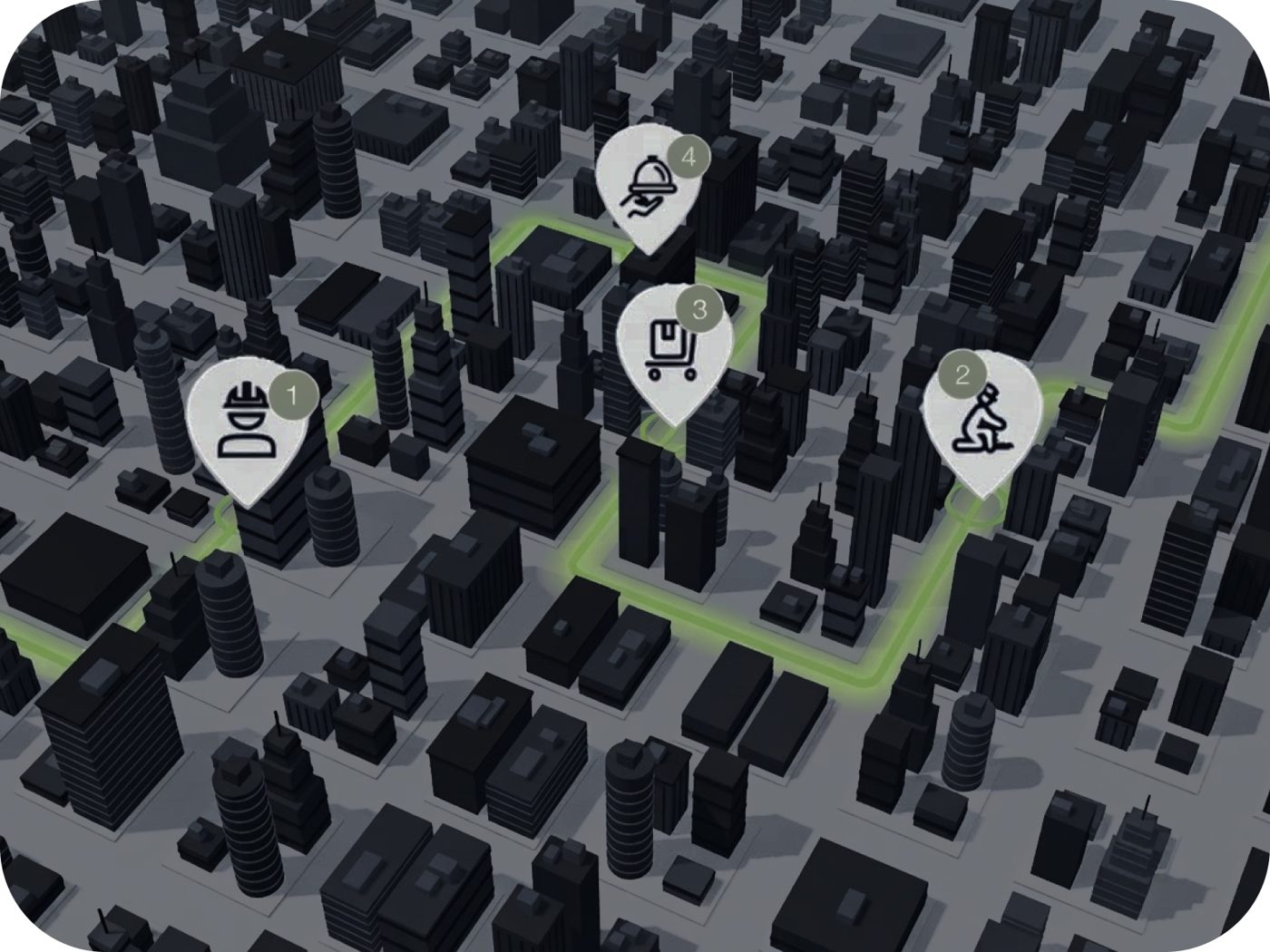
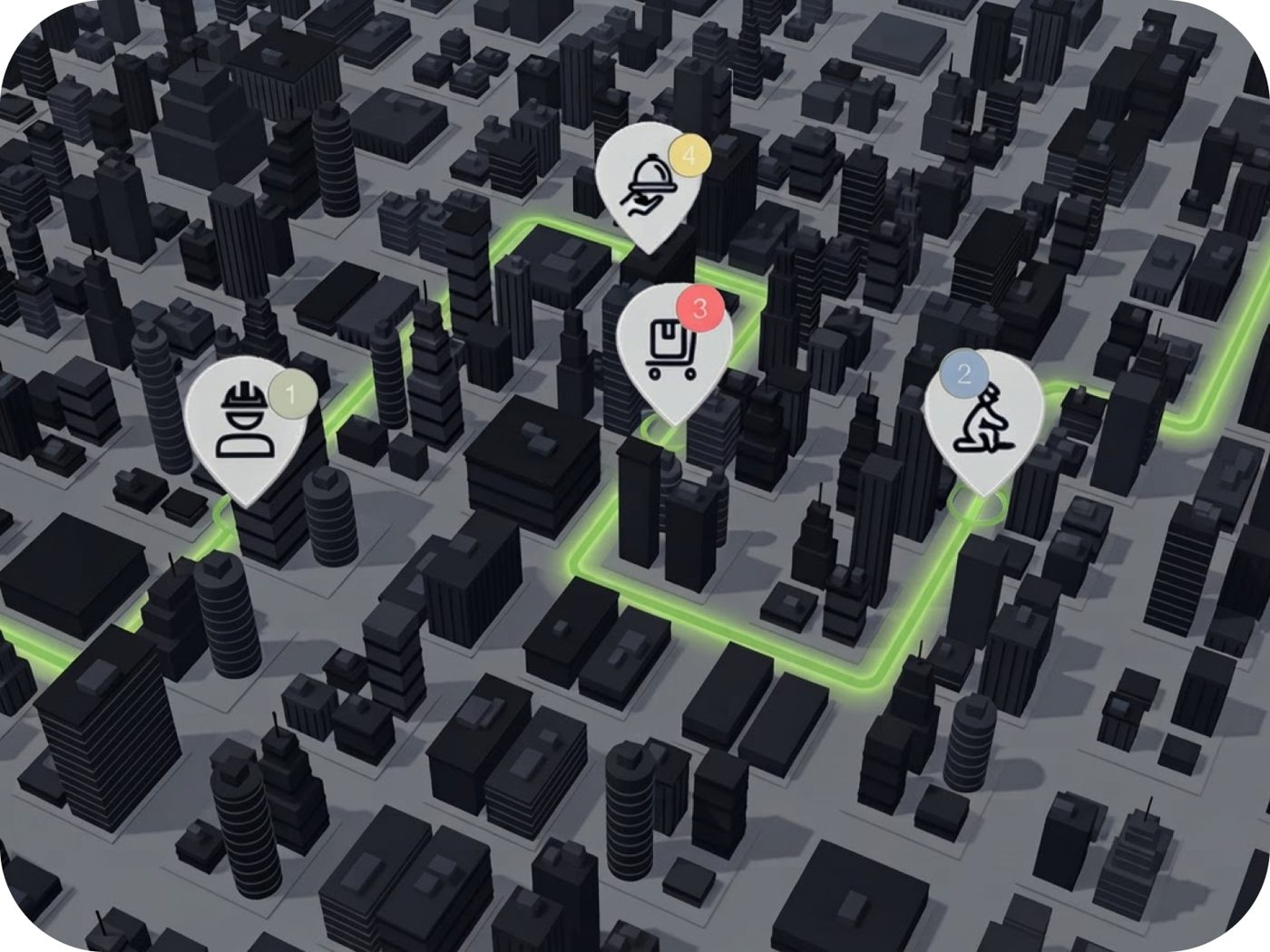
Tap Go and Hunthood plans the best route, from the nearest stop to the farthest.

05

Your journey is ready, go drop off your resume!

If the journey suits you, go! If not, you can still reorder the stops, or add and remove some.

06

Know exactly when and where you dropped off your resume

Mark each stop as Applied, Online, Rejected or Later, and take notes about your day of job hunting.

07

Your journey is safely kept in your history

Look back at every stop by sector, with your notes, for a clear picture of your search.

As an employer

Reach motivated backpackers for free

More than 200,000 backpackers are in Australia on a Working Holiday visa. Post your job in a few minutes.

Start posting jobs
01

Post your job offer

In the app, add your job offer with your ABN and your business email, so backpackers can reach you.

02

We verify your business

We check your ABN and send a confirmation to an email linked to your business online, whether it's on your Google listing, your website or elsewhere. It can be the one you entered. Open it and click “Yes, confirm this job”.

Why do we check by email?

Fake job offers are a real problem for backpackers in Australia: upfront “fees”, cash-only jobs, fake visa sign-offs. To protect them, we only publish a job once the business confirms it from its official email address, and we check the ABN on the Australian Business Register. Got an email from us about a job you didn't post? Open the link and choose “This wasn't us”: we'll remove the job and look into it. The link expires after 7 days.

03

Your job is live

It appears on Hunthood with the “Verified employer” badge, and backpackers can apply.

Questions you might have

Is Hunthood really free?

Yes. You can download and use Hunthood for free; the free version shows ads. An optional Hunthood Premium subscription removes them. Posting a job is free for employers.

When does the app launch?

Very soon on the App Store and Google Play. Leave your email at the top of this page and we'll let you know the day it's out.

Which visa is it for?

Hunthood is made for backpackers on a Working Holiday visa in Australia (subclass 417 or 462), especially if you're counting your days for a second or third year.

How does the job hunt journey work?

Pick one or more sectors, set how far you're ready to go from your address and when you'd like to leave, then choose how you travel: on foot, by bike, scooter or car. You can also turn on the 88-day filter to keep only places where work counts towards your next visa. Hunthood then finds businesses around you and plans your route, from the nearest stop to the farthest. Before you leave, you can reorder the stops, or add and remove some.

Any tips to reach more businesses?

Create one journey per sector. With a single sector, Hunthood fills the whole distance you chose with businesses from that sector, so you reach more of the places you actually want to work at, for the same number of kilometres. Run another journey for each other sector you're interested in.

What do Applied, Later, Online and Rejected mean?

At each stop, you mark how it went. Applied: you dropped off your resume. Later: come back another time, for example if the manager wasn't there. Online: the business asked you to apply on its website. Rejected: no job for now. Your notes and statuses are saved in your history, sorted by sector, so you always know where you stand.

How does the 88-day calculator work?

Add your payslips, or enter your work periods. Hunthood checks whether each job counts as specified work (sector and postcode) and estimates your days with two methods based on the Home Affairs rules. You see how many days you have and how many are left to reach 88 days (second year) or 179 days (third year). It's an estimate to help you plan, not an official decision from Home Affairs.

Is my data safe?

Your documents are stored in a private space that only you can access, and we never sell your personal data. You can delete your account at any time from the app. Read our Privacy policy for the details.

Contact

A question, a suggestion, a problem?

We usually reply within 24 hours.

Prefer email? Write to contacthunthood@gmail.com